Google Merchant Center Setup & Feed Optimization
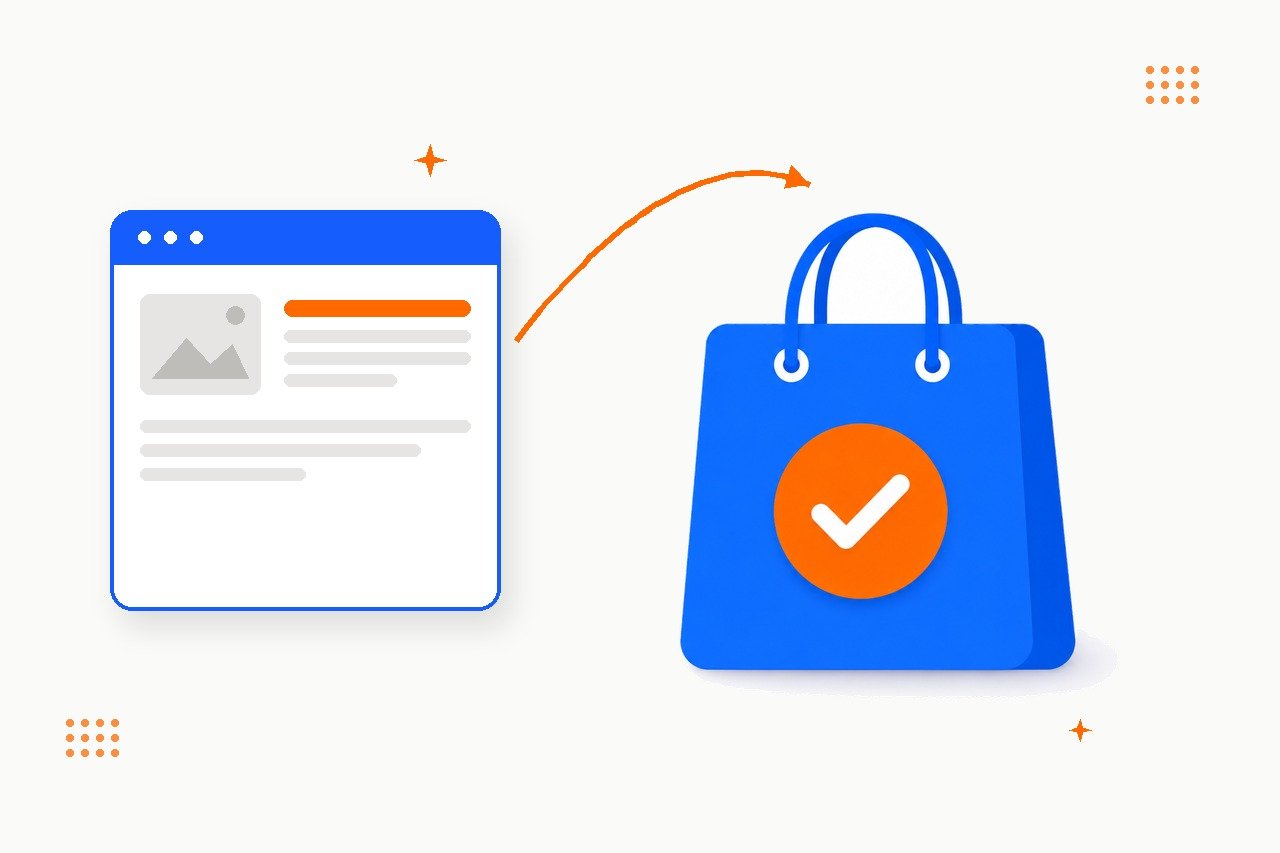
TL;DR Google Merchant Center is the account that puts your products on Google Shopping — in free listings and, if you run them, Shopping ads. Most stores set it up…

Paste your landing page URL, pick a preset (or fill in source / medium / campaign yourself) and copy a clean, GA4-ready tracking link. Free, no sign-up, nothing is stored – everything runs in your browser.
Your tracking link will appear here…UTM parameters are short tags you add to the end of a URL so that analytics tools (like Google Analytics 4) can tell exactly where a visitor came from. Without them, clicks from the Facebook mobile app often show up as direct traffic, and social visits get scattered across l.facebook.com, m.facebook.com and similar referrers – so part of your social traffic is simply invisible in reports.
| Parameter | What it means | Example |
|---|---|---|
utm_source |
Where the traffic comes from (required) | facebook, instagram, newsletter |
utm_medium |
The channel type (required) | social, paid-social, email |
utm_campaign |
The campaign or post topic (optional) | summer-sale, product-launch |
utm_content |
Tells similar posts or ad variants apart (optional) | post-a, video-version |
utm_term |
Paid search keyword (rarely needed outside ads) | running-shoes |
If you only want to see that traffic came from organic Facebook posts, utm_source=facebook&utm_medium=social is enough – GA4 will group it neatly and show (not set) for the campaign, which is perfectly fine. Add utm_campaign only when you want to compare individual posts or campaigns against each other.
1. Be consistent. Facebook, facebook and FB are three different sources in GA4. Pick one convention (lowercase everywhere) and stick to it – the builder above enforces this automatically.
2. Use dashes, not spaces. Spaces get encoded as %20 and make reports ugly. Write summer-sale, not Summer Sale.
3. Never use UTM tags on internal links. Linking from one page of your site to another with UTM parameters resets the visitor’s session and overwrites the real traffic source. UTM tags are for external channels only: social, email, partner sites, offline QR codes.
4. Keep the visible post clean. On Facebook, paste the full UTM link, wait for the preview card to load, then delete the link text from the post. The card stays clickable, tracking keeps working, and your brand domain stays visible on the card – better for trust (and for AI answer engines that associate your brand with your domain) than a shortener like bit.ly, which hides your domain entirely.
In Google Analytics 4 open Reports → Acquisition → Traffic acquisition and look at the Session source / medium dimension – your tagged clicks will appear as, for example, facebook / social. To compare individual posts, add the Session campaign dimension. Data appears within a few hours of the first tagged click.
Not when used correctly. Search engines treat UTM-tagged URLs as the same page as long as your site has canonical tags (virtually every modern CMS adds them automatically). Just never use UTM tags on internal links or in places search engines might index as the primary URL.
Yes, it is free, and no – nothing is sent to any server. The link is generated entirely in your browser with a few lines of JavaScript, so your URLs and campaign names never leave your device.
Usually no. On social platforms the preview card already hides the long URL, a visible known domain earns more clicks than a shortener, and if the shortener service ever changes its terms your old links may break. Shorteners also hide your domain from users and from AI answer engines.
social is for organic (unpaid) posts, paid-social for ads. Separating them lets you compare what your ad budget brings versus your organic community work – one of the most useful splits in GA4.
We help e-commerce and service businesses grow organic and AI-search visibility – with analytics you can trust.