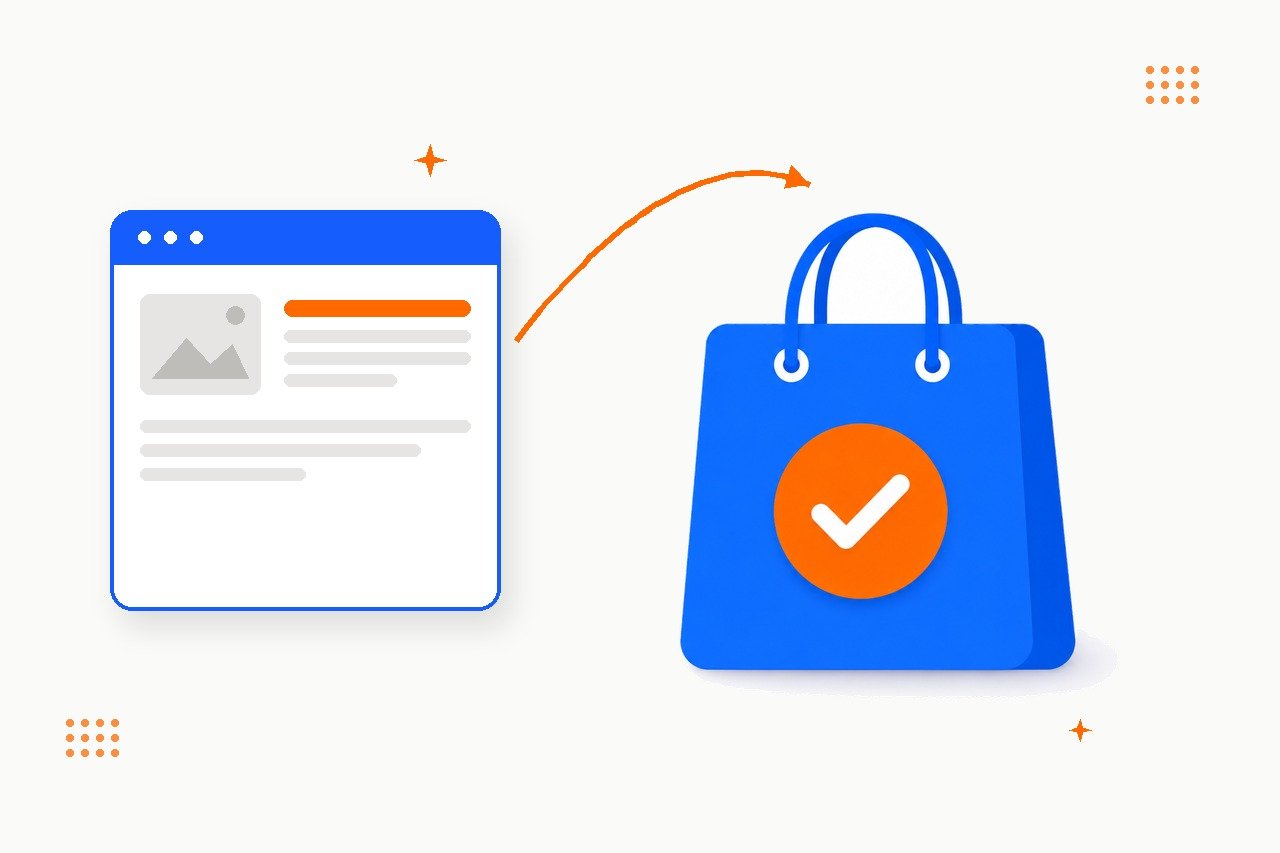
Google Merchant Center is the account that puts your products on Google Shopping — in free listings and, if you run them, Shopping ads. Most stores set it up once, see “feed connected”, and never realize half their catalog is invisible: rejected over GTINs, price mismatches, image rules, or a feed Google can’t even fetch. I fix exactly that — account, feed, and product data — until your products are actually eligible to show. Campaigns and bidding stay with your PPC specialist; I make sure they have something worth advertising.
Is your store actually visible on Google Shopping?
60-second check — answer honestly, nobody’s watching.
What this service is — and what it isn't
Merchant Center is the free Google account that holds your product catalog and decides, product by product, whether each item may appear on the Shopping tab, in Search, Images, and YouTube. My job is the technical layer: a verified account, a feed Google can reliably fetch, product data that passes review, and shipping/returns settings that match your store. When that layer works, your products show up in free listings — no ad budget required.
What I deliberately don't do: run your Shopping or Performance Max campaigns. Bidding, budgets, and targeting are a PPC craft of their own. I build the foundation those campaigns stand on — and hand it over cleanly. A well-run campaign on top of a broken feed just pays to promote products Google keeps rejecting.
| Question | Free listings | Shopping / Performance Max ads |
|---|---|---|
| Cost per click | €0 | Paid, budget required |
| What it takes | Merchant Center + approved feed | Same, plus an active Google Ads campaign |
| Where you appear | Shopping tab, Search, Images, YouTube | Top paid placements in Shopping and Search |
| Who does it | Me — this service | Your PPC specialist |
Not sure what state your Merchant Center is in? I'll check and tell you — free, within 2 business days.
Why this is worth fixing
And the failure modes are boringly predictable. Across Merchant Center accounts, the same handful of issues cause almost all rejected products:
What actually gets products disapproved
The recurring causes I see in Merchant Center diagnostics, roughly by frequency
The six things I fix, in order
Order matters — there's no point polishing product titles while the feed itself can't reach Google.
Account & business setup
Website claimed, business verified, shipping and returns configured to match what your checkout actually says.
Feed connection
Data source on an automatic schedule — and confirmed Google's fetchers aren't being blocked by your server or CDN.
Product data quality
GTIN/EAN, brand, google_product_category, item_group_id on variants, titles with the attributes shoppers filter by.
Image compliance
Resolution minimums, no watermarks or promo overlays — the rules that reject products even when the data is perfect.
Account linking
Merchant Center ⇄ Google Ads ⇄ GA4, so Shopping traffic and conversions actually show up in your reports.
Disapproval triage
New products, price changes and policy updates create fresh rejections weekly — I watch the queue and clear them.
— Google Merchant Center product data policy
How the engagement runs
Audit days 1–3 · free
You add me as a user on Merchant Center (and Google Ads if it exists). I map account status, feed health, every disapproval reason, and what's blocking visibility. You get a plain-language summary with a fixed-scope estimate — then decide.
Fix week 1–2
Business, shipping and returns configured; feed reconnected on schedule; GTIN, brand, category and variant fixes applied; images flagged; accounts linked. Most catalogs need 5–8 focused hours.
Monitor week 2–4
Google reviews the catalog over days — I watch the queue daily, clear new rejections as they surface, and hand you a before/after: how many products were visible when we started vs. now.
Why do this with me
No ad budget needed
Free listings work without spending a cent on ads. If you later run campaigns, they inherit a clean feed.
Senior work, directly
No account managers, no juniors. The person you talk to is the person inside your Merchant Center.
Measured in products, not hours
The deliverable is a number: products approved and visible, before vs. after. You can verify it yourself in Merchant Center.
Clean handoff to PPC
I don't sell you campaign management. When the feed is solid, your PPC specialist gets documentation, not a mystery.
Find out how many of your products Google is actually showing
Add me to your Merchant Center and within 2 business days you'll know exactly what's approved, what's rejected and why, and what it would take to fix — with a fixed-scope quote. The check itself is free, no strings.
Common DIY mistakes
- Treating "feed connected" as "done." Connecting a data source is step one of six. Most stores stop there and never look at the approval numbers.
- Letting prices drift. A weekly-refreshed feed against a store with daily price changes accumulates mismatches — the single most common rejection cause.
- Skipping GTIN because "we don't have barcodes." Most brand-name products already have a manufacturer EAN. Omitting or guessing it gets products rejected, not just deprioritized.
- No item_group_id on variants. Colour and size families without it fragment in results or get rejected as a group.
- Buying campaign management before feed hygiene. Ads on top of a broken feed pay to promote products Google keeps rejecting.
FAQ
Is this the same as running Google Shopping ads?
No. This is the account and data layer — setup, feed, and data quality, so products are eligible to appear at all. Campaign management (bidding, budgets, targeting) is PPC work. I hand off cleanly to whoever runs your ads once the feed side is solid.
Do I need Google Ads to appear on the Shopping tab?
No. Free listings have needed no ad campaign since 2020. A verified Merchant Center account and an approved feed are enough to appear on the Shopping tab, in Search, Images and YouTube organically.
What is a GTIN and do I really need one?
The barcode-style identifier (EAN/UPC/ISBN) manufacturers assign to products. Google requires it for most categories in a dozen major markets including the US, UK, Germany and France. No GTIN? Brand + MPN is the accepted fallback, and handmade/custom goods can get a formal exemption.
How fast do products go live?
Once a healthy feed is connected, Google's initial review typically takes one to three days. Large catalogs, or accounts recovering from a blocked feed, can take longer while Google works through the backlog.
Can I do this myself?
A small, simple catalog — yes, Merchant Center's own diagnostics will get you most of the way. The time sink is interpreting rejection reasons correctly, mapping categories, and tracking the policy changes Google doesn't announce loudly. That's where an outside pass usually pays for itself.
What does it cost?
The initial check is free. A typical full setup — account configuration, feed connection, first data-quality pass — lands around 5–8 focused hours for a small-to-mid catalog; you get a fixed quote after the audit, before committing to anything. The more useful number is how many products are invisible right now — that's what the free check tells you.
Related guides
Merchant Center setup sits on the same technical foundations as the rest of SEO:
- Technical SEO in 2026 — crawl health and server accessibility, the same layer that decides whether Google can reach your feed.
- SEO Audit in 2026 — the full site diagnostic, beyond just the shopping feed.
- On-Page SEO in 2026 — the title and category discipline that improves both rankings and feed titles.
- SEO Consultation — advisory work to plan where Merchant Center fits your roadmap.