EN LT

Google Merchant Center Setup & Feed Optimization

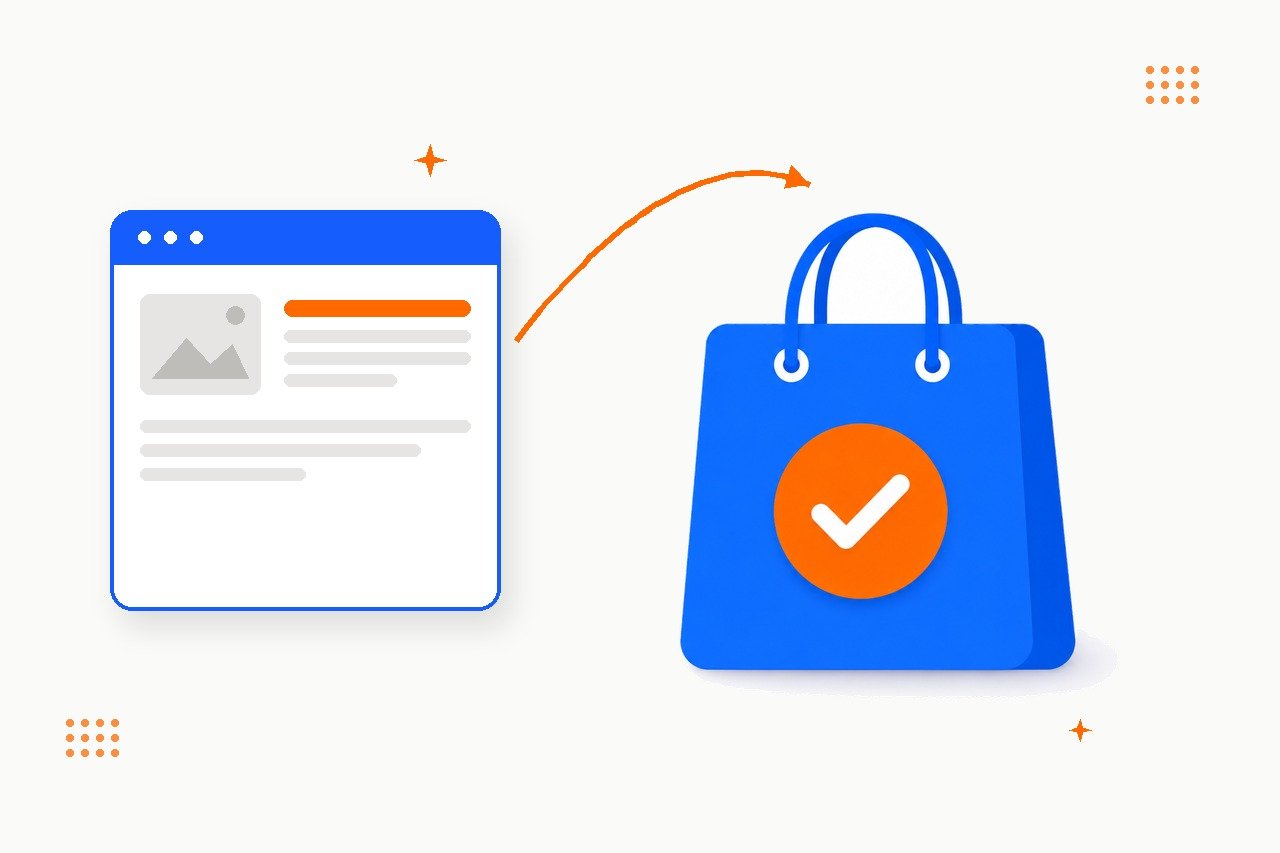
Google Merchant Center setup — product feed connected to approved Google Shopping listings
TL;DR

Google Merchant Center is the account that feeds your product catalog to Google Shopping’s free listings, Shopping ads, and other Google surfaces. Getting products approved and visible takes more than uploading a feed once: correct GTIN/brand data, category mapping, image specs, shipping and returns configuration, and account linking all have to be right, and Google’s rules keep changing under you. I set up and fix the technical side — account, feed, and data quality — so your products are actually eligible to show. I do not manage Shopping or Performance Max ad campaigns; bidding and budgets are a PPC specialty, not this one.

What Google Merchant Center setup actually is

Merchant Center is the free Google account that holds your product data and decides whether each item is eligible to appear on the Shopping tab, in Search, Images, YouTube, and — if you also run ads — in Shopping and Performance Max campaigns. Setup is the technical work of getting that account, and the product feed behind it, into a state where Google will actually show your products: business details verified, a feed connected and refreshing on schedule, product data that passes Google’s data-quality checks, and shipping and returns settings that match what your store actually offers.

It is easy to confuse this with running ads. It is not the same job. A store can have a perfectly optimized feed and zero ad spend and still show up in free listings. A store can also run an expensive Shopping campaign on top of a broken feed and just be paying to promote products Google keeps rejecting. This page is about the first problem: the account and the data. If you also want someone bidding and managing budgets on Shopping or Performance Max campaigns, that is a PPC specialist’s job — I can point you to how the two connect, but I do not run the campaigns myself.

Free listings vs. Shopping ads: what this service covers

Google Shopping has run on two parallel tracks since free listings opened up in 2020. Confusing the two is the single most common reason store owners think Merchant Center setup and Shopping ads management are the same purchase.

What you’re asking Free listings Shopping / Performance Max ads
Cost No cost per click Pay per click, budget required
What’s required Merchant Center account + approved feed Everything in free listings, plus an active Google Ads campaign
Where products appear Shopping tab, Search, Images, YouTube — organic placement Shopping tab and Search, prioritized paid placements
Who does this work Technical/SEO side — feed, data quality, account setup (this page) PPC specialist — bidding, budgets, targeting, campaign structure
Turned on by default Yes, once your feed is approved No — needs a live campaign and budget

The practical order matters: a Shopping or Performance Max campaign built on top of a disapproved or low-quality feed wastes budget from day one. Free listings and clean product data are the foundation either way.

Why a properly configured feed matters

Shopping-format listings are no longer a secondary channel for retail search. A few numbers make the case better than opinion does:

85.3%
of all clicks across Google Ads Shopping-type campaigns go to Shopping ads — traffic unreachable without an approved feed

+50%
more clicks, and roughly 2× the impressions, when free listings run alongside an approved feed and Shopping ads (Google’s own data)

500×500px
new minimum product image resolution — Google started warning in April 2026, full enforcement from January 31, 2027

12
countries, including the US, UK, Germany and France, where a GTIN is mandatory for most product categories — not optional

None of that traffic is reachable with an unclaimed account, a disconnected feed, or products stuck in permanent disapproval. And the rules are not static — Google tightened image requirements in 2026 alone, which means a feed that passed review a year ago is not guaranteed to pass today.

The six pillars of a Merchant Center setup

Every setup I run works through the same six areas, roughly in this order — there is no point fixing product titles if the feed itself cannot reach Google, or debating attributes on an account that was never verified.

1

Account & business setup

Business info verified, website claimed, shipping and returns configured to match your actual store policies.

2

Feed connection

Product data source connected on a schedule, and confirmed Google can actually fetch it without being blocked.

3

Product data quality

GTIN, brand, category mapping, variant grouping, and titles that match what the categories actually need to convert.

4

Image & content compliance

Resolution, background, and policy rules that get products disapproved even when the data is otherwise correct.

5

Account linking & tracking

Merchant Center, Google Ads, and GA4 linked so free-listing traffic is actually visible in your analytics.

6

Monitoring & disapproval triage

Catching new disapprovals and policy changes before they silently drop products — or your whole catalog.

Pillar 1: Account & business setup

This is the part that gets skipped because it looks like a formality. It is not — Google will not show products from an account it cannot verify, and mismatched shipping or returns data is one of the quieter causes of disapproval.

What I check

  • Business name, address, and website claimed and verified
  • Selling countries and store currency set correctly
  • Shipping methods, carriers, delivery times, and rates configured to match what customers actually see at checkout
  • Return window, who pays return shipping, and return address configured to match your published return policy
  • Tax settings, where applicable for the selling country
  • Phone or domain verification completed, not left half-finished

Pillar 2: Feed connection

A feed that exists is not the same as a feed Google can read. This is where most “we already set this up” accounts turn out to still have zero live products.

  • Data source connected — file URL, Content API, or a marketplace/CMS integration, set to refresh automatically rather than a one-time manual upload
  • Correct feed label, language, and destination — Free listings, Shopping ads, or both, matched to what you actually want to show
  • Server accessibility confirmed — firewalls, bot-blocking rules, or rate limits that stop Google’s fetchers are a real and common failure mode, especially on sites behind aggressive security or CDN configurations
  • Fetch schedule verified — the feed should regenerate and get pulled on a predictable cycle, not go stale between manual re-uploads

Pillar 3: Product data quality

This is where most of the actual hours go, and where most disapprovals originate. Two issues account for the majority of rejected products: the price or availability in the feed not matching the live page, and a missing or invalid GTIN.

Google verifies submitted GTINs against GS1’s own product databases. An invalid or mismatched code does not just get flagged — it can trigger product disapproval or, if it happens at scale, account-level suspension.
— Google Merchant Center product data policy
  • GTIN, brand, and MPN — a GTIN is mandatory for most categories in a dozen major markets; where a product genuinely has none, brand + MPN or a documented identifier exemption is the correct substitute, not silence
  • google_product_category mapped properly, not left to Google’s automatic (and often wrong) guess
  • item_group_id set on every variant — colour and size families that are missing this get fragmented or disapproved as a group, not just individually
  • Titles rewritten per category — generic titles copied straight from a CMS rarely include the attributes shoppers actually filter by
  • Price and availability synced with the live site, since a mismatch here is the single most common disapproval cause across Merchant Center accounts

Pillar 4: Image & content compliance

Image rules are stricter than most store owners assume, and they are getting stricter. A product photo that looked fine in 2025 can start failing review in 2027 without anyone touching the listing.

  • Minimum resolution — 500×500px, enforced from January 31, 2027, with warnings already live since April 2026
  • No placeholder, logo-only, or watermarked images — a common cause of rejection for smaller catalogs pulling stock photography
  • Product visible and unobstructed — promotional text, borders, and badges baked into the image itself are against policy, not just poor practice
  • Additional images where the category benefits from them — apparel and furniture in particular see better performance with more than one angle

Pillar 5: Account linking & tracking

Merchant Center does not report conversions on its own. Without linking, free-listing traffic lands in your analytics as unlabeled organic traffic — real visits and sales you cannot actually attribute or report on.

  • Merchant Center ⇄ Google Ads linked, so the same product data can serve both free listings and any paid campaigns without duplicate setup
  • Google Ads ⇄ GA4 linked and a conversion action configured, closing the loop between clicks and actual purchases
  • URL tagging on free-listing traffic specifically, since Merchant Center’s own reporting does not break out conversions the way Google Ads does
  • Google Business Profile linked where relevant, particularly for local inventory ads or stores with a physical location

Pillar 6: Monitoring & disapproval triage

A feed that passes review once is not done. New products, price changes, and Google policy updates all create fresh disapprovals on a rolling basis. This is the quick-reference version of what usually causes them:

Symptom Likely cause Fix
Product disapproved: price Feed price doesn’t match the live page — the most common cause overall Sync feed generation with real-time pricing, remove manual overrides
Product disapproved: GTIN/identifier Missing, invalid, or mismatched GTIN — the second most common cause Pull correct codes from the manufacturer or GS1, or apply an identifier exemption where genuinely eligible
Product disapproved: image Below the resolution threshold, or a policy violation (watermark, placeholder, promotional overlay) Replace with compliant images per category; re-submit for review
Whole catalog under review, nothing approved Feed only just (re)connected, or Google’s crawler was previously blocked Confirm server accessibility, then allow 1–3 days for the initial review cycle

The tools I actually use

Most of this work happens inside Google’s own tools. A dedicated feed platform earns its cost once a catalog gets large or messy enough that manual fixes stop scaling.

Google Merchant CenterFree
Google Search ConsoleFree
Merchant Center DiagnosticsFree
Schema.org Product ValidatorFree
DataFeedWatch
Channable

What an engagement looks like

Catalog size and how broken the starting point is both move the timeline, but the shape of the work is consistent:

  • Access & audit (first few days) — added as a user on Merchant Center and Google Ads, full diagnostic of account status, feed health, current disapprovals, and linking gaps.
  • Setup & fixes (roughly week 1–2) — business, shipping, and returns configuration; feed reconnected or corrected; GTIN, brand, category, and image fixes applied; accounts linked.
  • Monitoring (roughly week 2–4) — the review queue watched daily as Google processes the catalog, new disapprovals fixed as they surface, free-listing (and, where applicable, Shopping campaign) data confirmed accurate.

Want your products actually showing up on Google Shopping?

I’ll check your Merchant Center account, show you exactly why products aren’t approved or visible, and fix the technical side — account, feed, and data quality. No ad spend required to get started, and no campaign management if that’s not what you need.

Book a free 30-min consultation

Common mistakes I see in DIY Merchant Center setups

  • Treating “feed connected” as “done.” Connecting a data source is the start of the process, not the end — most stores stop right there and never check whether products were actually approved.
  • Letting price or availability drift. A feed that regenerates once a week against a site that changes prices daily will accumulate mismatches — the single most common disapproval cause.
  • Skipping GTIN because “we don’t have barcodes.” Most established brand-name products already have a manufacturer GTIN. Omitting it, or guessing, gets products disapproved rather than just deprioritized.
  • No item_group_id on variants. Colour and size families without this attribute get fragmented in Shopping results or disapproved as a group.
  • Assuming setup and Shopping ads are the same purchase. The account and the campaign are two different jobs. A perfect feed with no campaign will not show paid placements; a well-run campaign on top of a broken feed just wastes budget.

FAQ

Is this the same as running Google Shopping ads?

No. This covers the account and the product data — Merchant Center setup, feed connection, and data-quality fixes so products are eligible to appear in free listings and, if you choose to run them, ads. Bidding, budgets, and campaign management for Shopping or Performance Max are a PPC specialty. I can hand off cleanly to whoever runs your ads once the feed side is solid.

Do I need Google Ads to show up on the Shopping tab?

No. Free listings have not required an active ad campaign since the program opened globally in 2020. An approved feed and a verified Merchant Center account are enough to appear on the Shopping tab, in Search, Images, and YouTube organically.

What is a GTIN and do I really need one?

A GTIN (Global Trade Item Number) is the barcode-style identifier — UPC, EAN, ISBN, or JAN — that manufacturers assign to products. Google requires it for most categories in a dozen major markets, including the US, UK, Germany, and France. If a product genuinely has no GTIN, brand plus MPN is the accepted fallback; custom or handmade goods can request a formal identifier exemption instead.

How long does it take for products to go live after setup?

Once a feed is connected and accessible, expect an initial review period of roughly one to three days before products move from “under review” to “approved.” Large catalogs, or accounts recovering from a long-blocked feed, can take longer as Google works through the backlog.

Can I do this myself?

For a small, simple catalog — yes. Google’s own Merchant Center diagnostics and Search Console will get you most of the way. The part that takes real time is interpreting disapproval reasons correctly, mapping categories, and catching the policy changes Google doesn’t announce loudly. For larger or messier catalogs, that is usually where it stops being a good use of your own time.

What does a Merchant Center setup engagement cost?

A typical setup — account configuration, feed connection, and a first data-quality pass — runs a handful of hours for a small, clean catalog. Larger catalogs, multiple feed sources, or a heavy backlog of disapprovals take longer. The more useful question usually isn’t the price, it’s how many products are currently invisible on Shopping because of it — that number is usually easy to show you in the first call.

Related guides

Merchant Center setup is technical/SEO-adjacent work, not a standalone discipline — these are the companion guides worth reading alongside it:

  • Technical SEO in 2026 — crawl health, server accessibility, and the same technical foundations that decide whether Google can reach your feed.
  • SEO Audit in 2026 — the full diagnostic walkthrough if you want the site reviewed beyond just the shopping feed.
  • On-Page SEO in 2026 — the same title and category discipline that improves both organic rankings and Shopping feed titles.
  • SEO Consultation — advisory work to plan where Merchant Center fits into the broader SEO roadmap.
GEO / AI Search Optimization

GEO / AI Search Optimization

Key Takeaways GEO (Generative Engine Optimization) is the practice of making your brand visible and citable inside AI answers — ChatGPT, Perplexity, Claude, Gemini, and Google AI Overviews. It borrows…
© 2026 Aiskit. All rights reserved